OpenClaw 安装与配置记录
尽管距离龙虾热已经过去好几个月了, 从最开始笔者对 AI 的抵触到现在对 AI 的好奇, 这驱使着我还是决定探索一下各个 AI 工具。
本文整理 OpenClaw 的 Linux/Windows 安装过程。
Notice: 本文侧重于探讨使用 openAI 的 key
1 OpenClaw 是什么
OpenClaw 是一个仍处于 beta 阶段的 agent/gateway 项目,可以接入 Telegram、Discord、微信、QQ、飞书等聊天渠道,也可以调用本机工具执行操作。
2 Linux 安装
OpenClaw 需要较新的 Node.js:
- 推荐:Node.js 24
- 最低:Node.js 22.19+
- 不建议:Node.js 18
查看当前版本:
1 | node -v |
如果版本太旧,推荐用 nvm 安装 Node 24:
1 | curl -o- https://raw.githubusercontent.com/nvm-sh/nvm/v0.40.3/install.sh | bash |
安装 OpenClaw:
1 | npm install -g openclaw@latest |
初始化:
1 | openclaw onboard --install-daemon |
常用检查:
1 | openclaw status |
3 Windows 安装
方式一: 直接安装 Node.js
- 访问 Node.js 官网:
1 | https://nodejs.org/ |
- 安装 Node.js 24 LTS 或当前推荐版本。
- 打开 PowerShell,检查版本:
1 | node -v |
- 安装 OpenClaw:
1 | npm install -g openclaw@latest |
- 初始化:
1 | openclaw onboard |
方式二: 用 nvm-windows
如果你需要管理多个 Node 版本,可以安装 nvm-windows:
1 | https://github.com/coreybutler/nvm-windows |
安装后在 PowerShell 中:
1 | nvm install 24 |
4 初始化向导选项说明
Channel
Select channel 是选择聊天入口,例如:
- Telegram
- Discord
- Slack
- Feishu/Lark
- Weixin
- QQ Bot
第一次安装可以选:
1 | Skip for now |
之后再添加渠道:
1 | openclaw channels add |
Search Provider
搜索 provider 用于联网搜索。
首次安装可选:
1 | Codex Hosted Search |
如果有 Brave、Tavily、Exa、Perplexity、Gemini 等 API Key,也可以选择对应 provider。
Skill Dependencies
Install missing skill dependencies 是可选工具依赖安装,例如:
openai-whispergemini1passwordhimalayawaclisonoscli
Hooks
Hooks 是自动化钩子,例如:
session-memorycommand-loggerboot-mdcompaction-notifier
首次安装建议全选。
5 配置文件位置
默认配置文件:
1 | # Linux |
查看配置:
1 | ~/.openclaw/openclaw.json |
修改后验证:
1 | openclaw config validate |
如果配置无效,不要重启 gateway。先修复 JSON 或运行:
1 | openclaw doctor --fix |
6 模型配置
如果使用的是官方的模型, 这里直接看本章, 否则直接跳转到中转站章节。
查看模型状态:
1 | openclaw models status |
修改模型配置建议优先使用:
1 | openclaw configure |
7 中转站配置
7.1 配置中转站
如果使用的是中转站 key,而不是 OpenAI 官方 key,必须同时配置:
- 中转站 API Key
- 中转站 Base URL
无论是什么系统, 我们仍然打开对应的配置文件。
这里在 Linux 环境下, 我们打开 ~/.openclaw/openclaw.json。
这里贴出我的配置结构, 对应的地方修改即可。
1 | { |
之后重启 gateway。
1 | openclaw gateway restart |
8 Gateway 重启
改完配置后先验证:
1 | openclaw config validate |
重启 gateway:
1 | openclaw gateway restart |
查看状态:
1 | openclaw status |
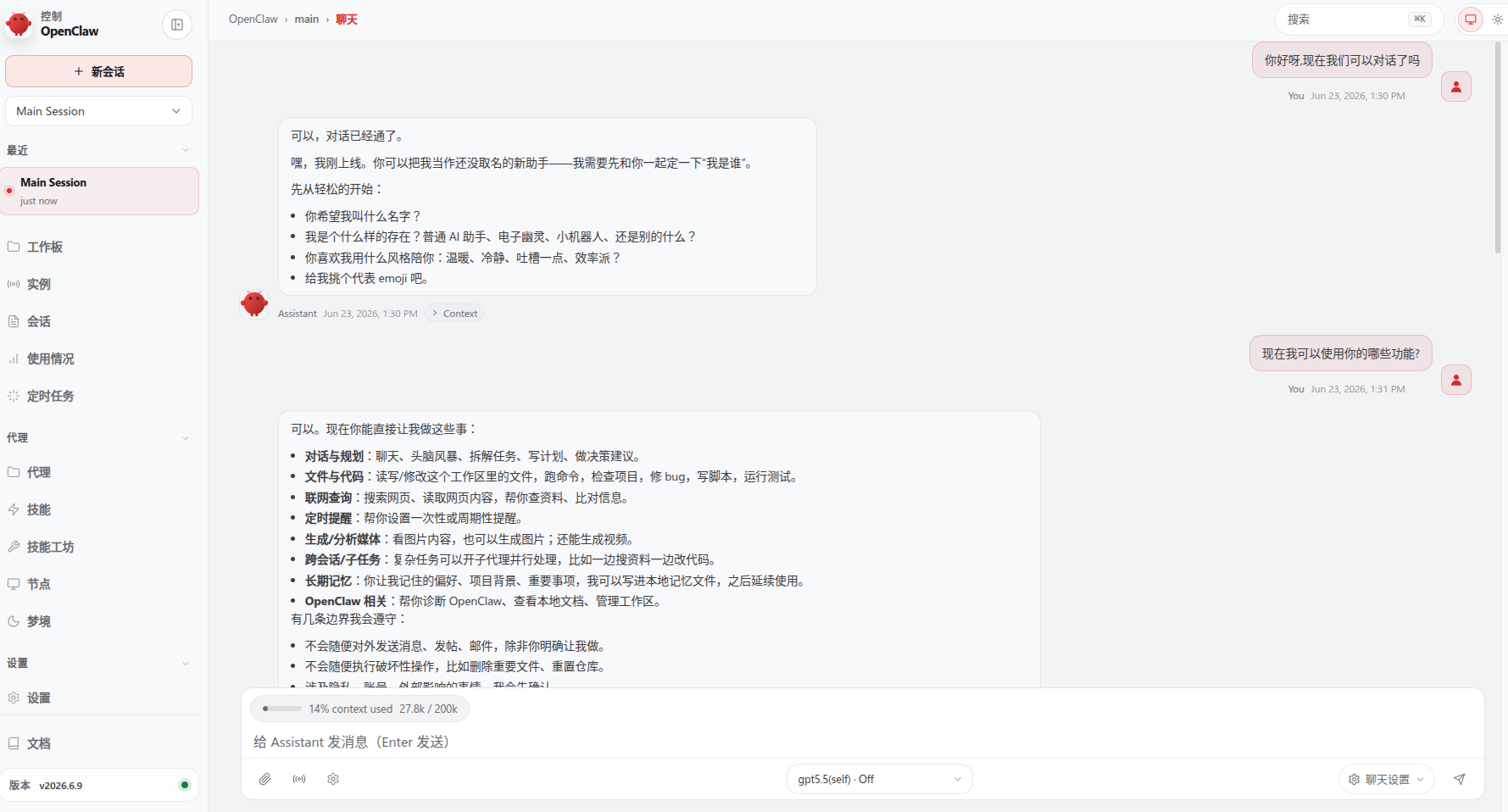
9 GUI 启动
两条指令即可。
1 | # terminal 1 |
9 安全建议
定期运行:
1 | openclaw security audit --deep |
10 常用命令速查
1 | openclaw --help |